
Part 01 of 03 in our series on mobile app development. Next: From Idea to App Store.
When a team starts mobile app development, the first technical fork is rarely a library. It is a shape: one codebase that targets both stores, or two native products that share a design system and a backend. This article is how we think about that choice at AppVision — for iOS app development, Android app development, and the grey zone in between.
What native mobile app development actually means
Native app development means you build for the platform’s own language, UI toolkit, and distribution rules. The operating system is not an afterthought. It is the product surface.
iOS development: Swift and SwiftUI
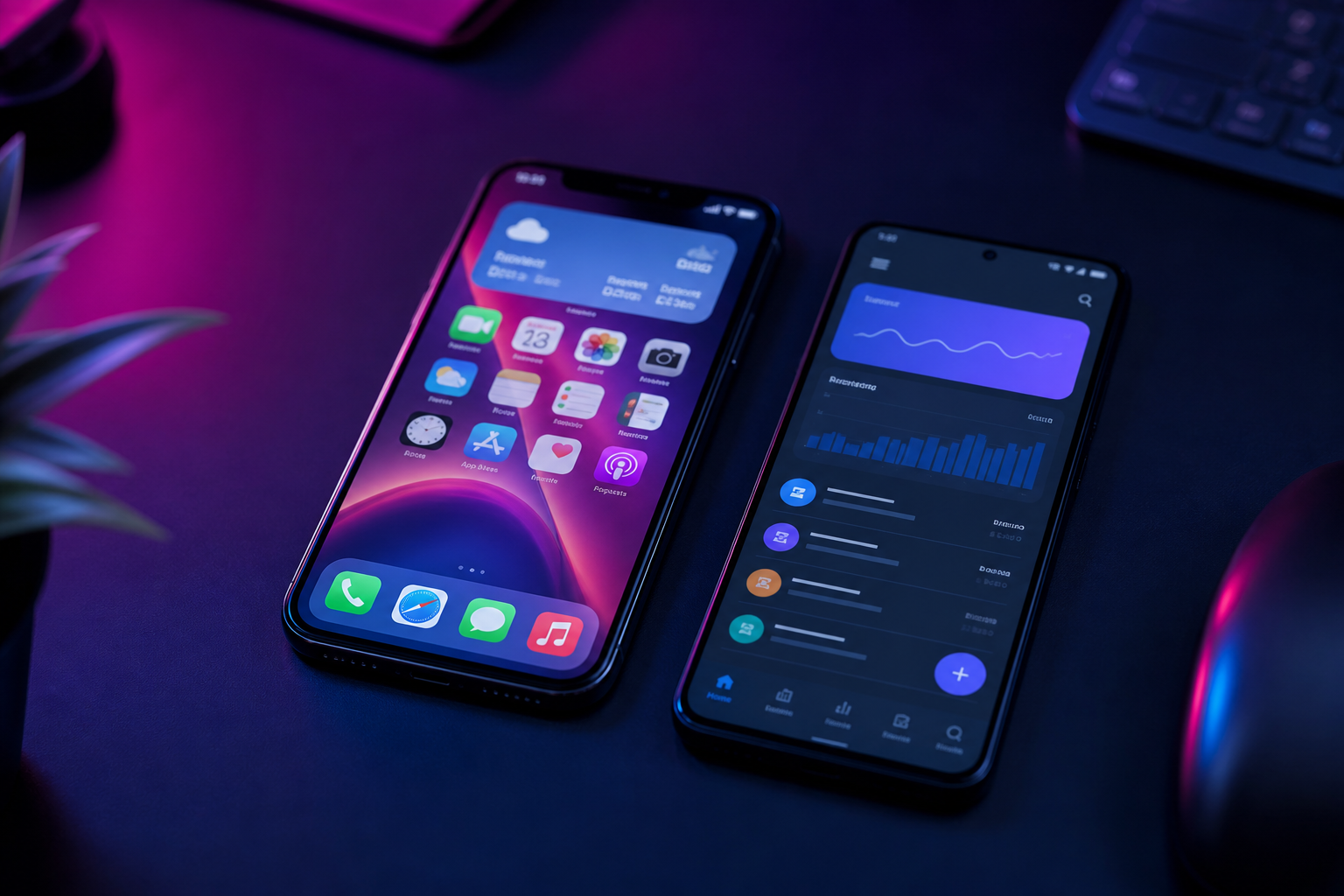
On Apple’s side, modern iOS app development is Swift, with SwiftUI for interface work and UIKit still in the mix for the parts of the system that have not moved. You get first-class access to notifications, widgets, App Intents, HealthKit, camera pipelines, and the review process that App Store users already trust. The “native feel” is not a slogan here: spacing, motion, and typography come from the same place as Mail and Maps.
Android development: Kotlin and Jetpack Compose
On Google’s side, Android app development has settled on Kotlin and Jetpack Compose, with the older View system still present in many codebases. You design for a wide device landscape, OEM skins, and Play’s release tracks. Background work, permissions, and material motion are first-class. If the product must feel inevitable on a Pixel and on the phone someone actually owns, native Android is still the shortest path to that honesty.
What cross-platform development is
Cross-platform app development means one product team writes the interface and most business logic once, then compiles or interprets it for iOS and Android. The two names that matter in 2026 are Flutter and React Native. Neither is a shortcut around product thinking. Both are a bet that shared UI and shared logic will outrun the cost of two native clients.
Flutter
Flutter draws its own pixels. That is a gift when you want a branded interface that looks identical on both stores, and a cost when you want Cupertino or Material to feel like the rest of the phone. Performance is typically strong for UI-heavy work. The ecosystem is Dart, and the team must be comfortable living there.
React Native
React Native maps to platform controls more often than Flutter does. Teams that already think in React move faster. You still drop into Swift or Kotlin for the awkward edges: Bluetooth stacks, background location, payments, biometrics. A healthy React Native app is a hybrid by design, not by accident.
Performance
Native still wins when the work is close to the metal: camera pipelines, complex maps, heavy lists with mixed media, audio, AR. Cross-platform has closed the gap for the majority of business and consumer apps — feeds, forms, bookings, wellbeing dashboards, commerce. The honest question is not “is native faster?” It is “does this product have a performance budget that a shared runtime will miss?” If you cannot name that budget, you probably do not have one yet.
UX/UI and the native feel
Users do not file bugs that say “this is not native.” They say the back gesture feels wrong, the keyboard covers the field, the share sheet looks foreign, or the app ignores system font size. Native development inherits those behaviours. Cross-platform can match them, but only if the team treats platform conventions as a product requirement, not a nice-to-have. For connected-home and wellbeing products especially, the app is opened in the same thumb session as the rest of the phone. Friction there is not a visual preference. It is drop-off.
Access to the device
Cameras, Bluetooth, NFC, background geofencing, Health data, biometric prompts, widgets, live activities, Wear and watch companions — native APIs arrive first and break last. Cross-platform plugins cover the common path. They lag on the unusual path. If the product is a companion to hardware in the house, or it must keep a session alive in the background, we map those capabilities before we pick a framework. The stack follows the hardware, not the other way around.
Maintenance and scale
Two native apps means two release trains, two sets of OS migrations, two places a bug can hide. One cross-platform app means one train — and a shared bottleneck when a plugin dies after an iOS or Android upgrade. Scale is not only traffic. It is the number of people who can change the product next year. A small studio that knows Swift, Kotlin, Flutter, and React Native can choose for the product. A team that only knows one of them will choose for themselves. We try not to do the second.
When native is the better choice
- The product is defined by a platform capability (camera, Bluetooth, health, widgets, background work).
- You need the OS to feel like a first-class citizen, not a theme.
- The two platforms will diverge on purpose — different information architecture, different release cadence.
- Long-lived software where OS upgrades are part of the contract with the user.
When cross-platform is the better choice
- One product, two stores, one design system, a shared domain model.
- A team that must ship iOS and Android together, not six months apart.
- UI that is branded more than it is system-native.
- The hard problems live in the API, not in the pixels.
How we choose for a concrete product
At AppVision, technology is the last slide, not the first. We start with the user, the device constraints, and the stores we must enter. Then we ask: what must be native, what can be shared, what belongs on the server. Sometimes the answer is Swift and Kotlin. Sometimes it is Flutter or React Native with a thin native module. Often it is a native shell around a well-designed API — the same approach we take when the work is a connected home, a wellbeing ritual, travel operations, or a medicines reference.
If you are choosing a path for mobile app development, the useful output is not a framework logo. It is a decision you can still defend after the first OS upgrade.
Continue with part 02 — From Idea to App Store, or skip to the ten things a successful app needs. If you already have a brief, write to the studio.