
Part 02 of 03 in our series on mobile application development. Previous: Native vs. Cross-Platform. Next: 10 Essential Elements.
People search for “mobile app development” as if it were a single craft. In practice it is a sequence: a problem, a design, a stack, a build, a test pass, two stores, then the years after launch. This is that sequence — the app development process we run when the work is iOS, Android, or both.
1. Idea and requirements
Before anyone opens Xcode or Android Studio, we write down the problem in a sentence a stranger could repeat. Who feels it. What they do today instead. What “done” looks like on a Tuesday, not in a pitch deck.
The problem the app solves
A connected-home companion is not “an IoT app.” It is: the lights and the safety status have to be trustworthy at a glance. A travel-agency tool is not “bookings.” It is: the voucher, the departure, and the exception have to live in one place. Naming the job keeps the backlog honest.
Audience
Daily consumer wellbeing is a different product from a pharmacist’s reference, even if both are “mobile.” We map context: one thumb or two, noisy room or quiet desk, first language, offline moments, and whether the user chose the app or was handed it at work.
Key functionality and platforms
We list the capabilities that would make the first release worth installing — and we cut the rest. Then we decide iOS, Android, or both. That decision is a market fact, not a preference. Two stores double the review surface. One store can still be the right call for a first slice.
2. UX/UI design for mobile
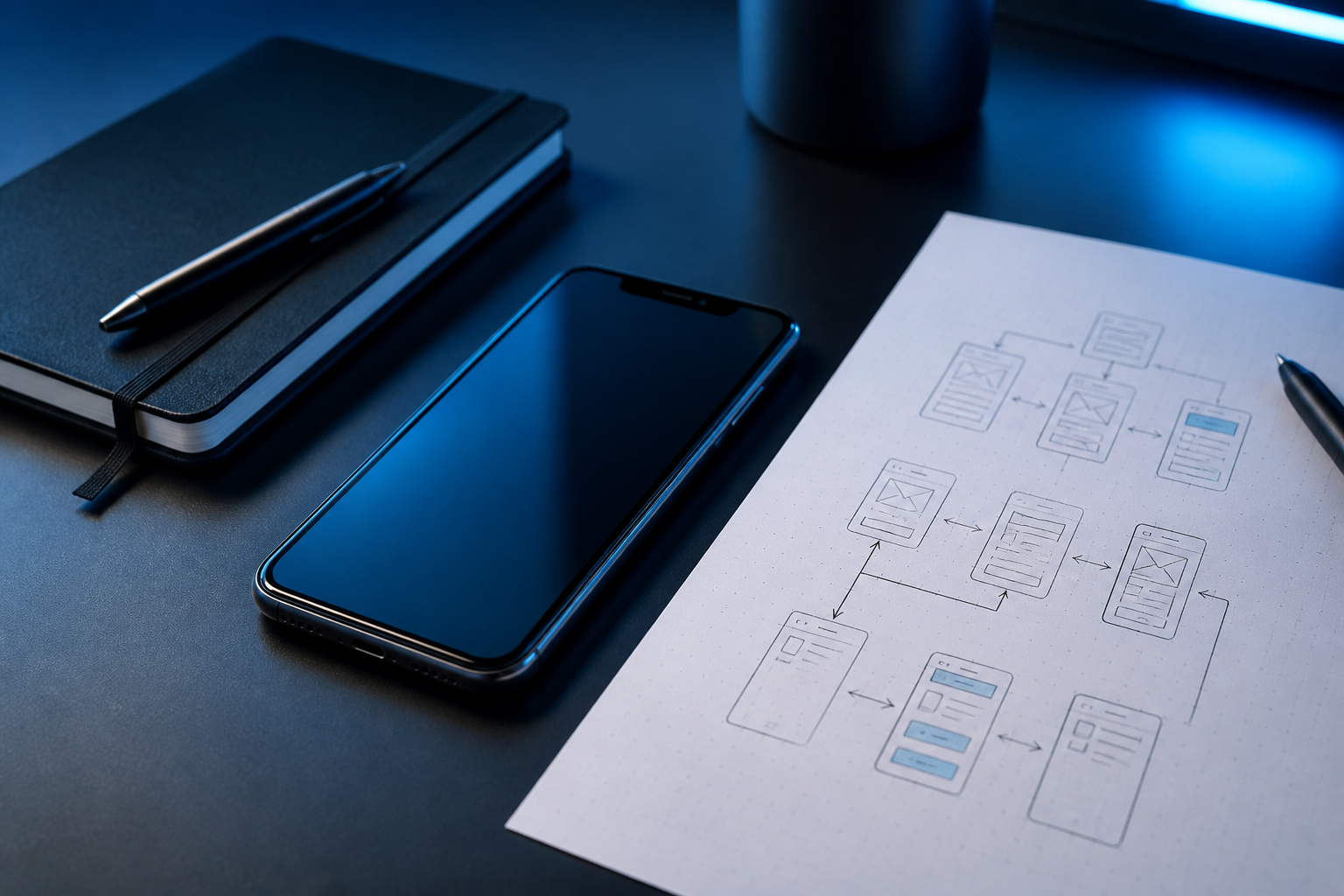
Mobile-first is not a smaller desktop. It is thumb reach, interruption, and the tenth open of the day. We design the user flow first (how someone gets in, does the job, and leaves), then wireframes, then a prototype you can tap on a phone. A design system — type, colour, components, empty states — arrives early so development does not invent a second visual language. Native patterns (navigation, sheets, haptics) are part of that system, whether the stack is SwiftUI, Compose, Flutter, or React Native.
3. Choosing the technology
This is the fork we described in part 01: native vs. cross-platform, Swift and Kotlin vs. Flutter and React Native. In parallel we shape the backend and the APIs the app will actually call — auth, data, files, events. A beautiful client on a vague API is still a delay. We treat the contract between phone and server as a product artefact, versioned and testable.
4. Mobile app development
The build is not a mystery. It is the interface, the domain logic, and the integrations the user can feel:
- Frontend development — screens, state, navigation, accessibility, dynamic type.
- Backend integration — typed APIs, retries, pagination, conflict handling.
- Authentication — session, refresh, logout, account recovery.
- Push notifications — permission, relevance, quiet hours. Not a firehose.
- Maps and GPS — only when the job needs a place or a movement.
- Payments — store rules, receipts, failure states.
- Camera — capture, permissions, the photo the rest of the flow depends on.
- Biometrics — Face ID / device credentials as a convenience, never as the only recovery path.
- Third-party integrations — the minimum set, each with an owner and a fallback.
This is the centre of mobile app development as we practise it: not a pile of features, a coherent path through the device.
5. Testing and QA
Quality is a process, not a week at the end. Functional tests for the jobs-to-be-done. UI tests for the flows that must not regress. Performance tests for cold start, scroll, and the screens people live on. Device coverage for the phones the audience actually holds — not only the one on the designer’s desk. Then bug fixing with a severity that matches the store: a crash on launch is not in the same queue as a copy tweak.
6. Deployment
Apple App Store and Google Play Store are products with their own UX: signing, privacy labels, data safety, screenshots, review notes. The app review process is slower when you surprise it. We prepare listings, permissions copy, and a production release that can be paused, staged, or rolled back. A “we uploaded a build” is not a launch. A launch is a build that survived review and a team that is awake for what comes next.
7. Maintenance and what comes after
OS updates land whether you planned them or not. Security patches, new features, performance work, and monitoring (crashes, ANRs, start time, funnels) are the second half of mobile application development. The products we stay with — home, wellbeing, travel operations, pharmacy knowledge — change because the platforms change. A studio that disappears after the first store screenshot has not finished the job.
If you want this process against a real brief, contact the studio. Or read part 03 — ten things a successful mobile application needs.